Technical issues in the module
Create a support ticket
Do you have a problem with the Zendesk module but can't find a solution on our help center?
Contact our support team with this link:
Troubleshooting
Error: "The request failed. Please ensure your configuration is correct and try again."
Your PrestaShop dashboard may indicate that the connection with Zendesk has failed.
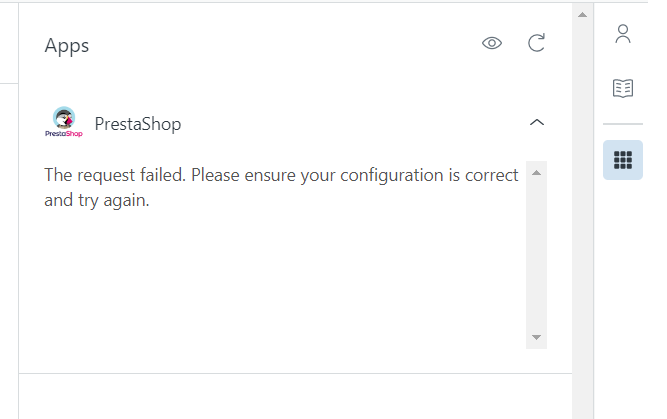
This problem is usually related to the site's TLS certificate. To restore the link between Zendesk and PrestaShop, replacing the store URL in the Zendesk Dashboard from http:// to https://
as shown in the image:
If this action does not solve the problem, please contact our support service:
Find PrestaShop information using Zendesk in Safari
The Safari browser has increased its security criteria.
As a result, it is possible in some cases that order and customer information is not received on the Safari side.
The space dedicated to your customer and order information within Zendesk then displays the following information: “Your PrestaShop Zendesk module is in version 1x. In order to benefit from the latest features, you need to upgrade your module to version 2.”
In order to display the information correctly, you need to change your Safari browser settings.
Go to Safari > Settings > Privacy
Make sure that the 'Prevent cross-site tracking' box is unchecked.
Once this box is unchecked, the information will be available in Safari.
If this doesn't work, please contact our support team: https://addons.prestashop.com/en/contact-us?id_product=23617